Themes
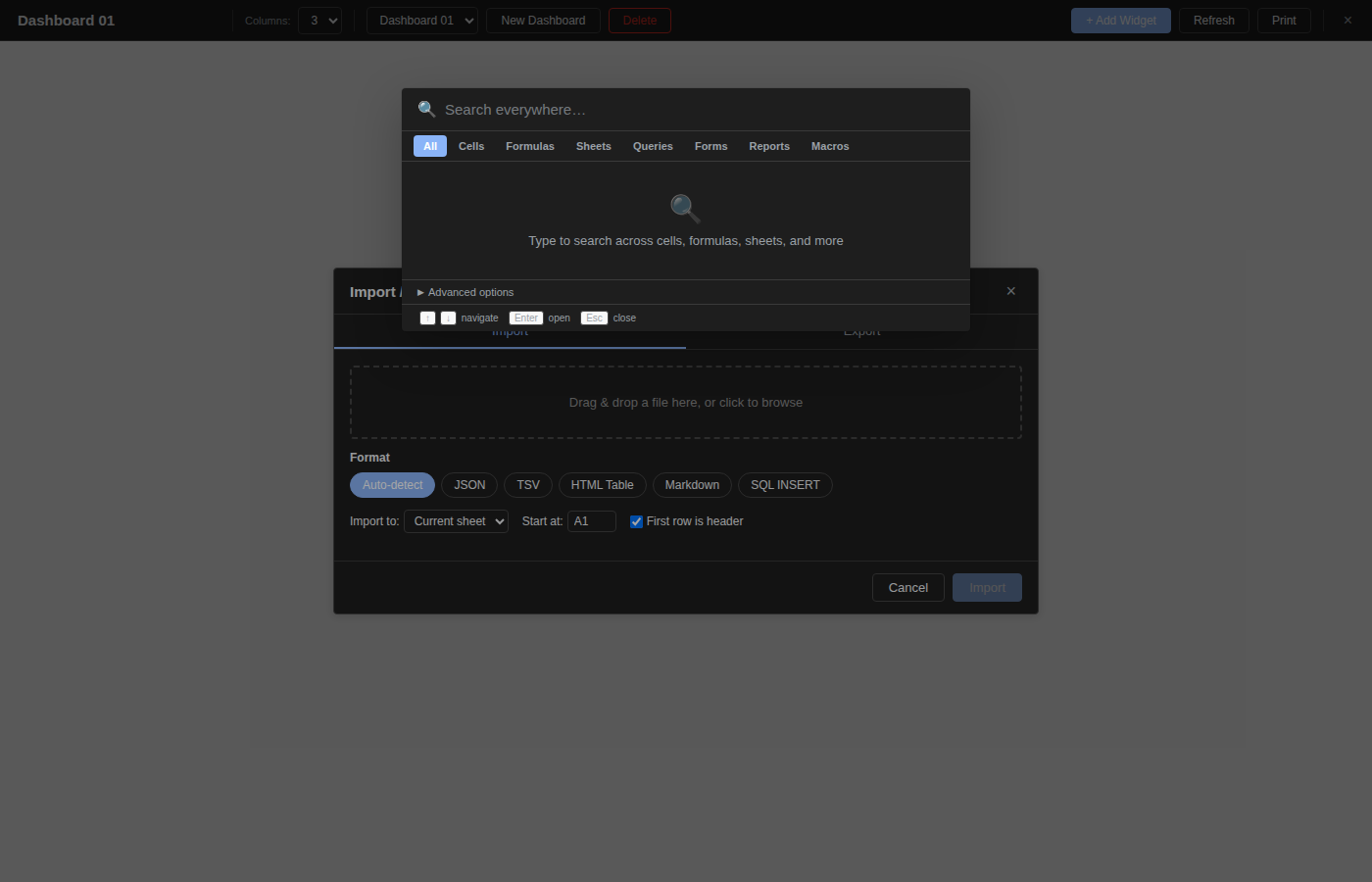
OpenSheets supports multiple color themes and a dark mode toggle. The theme setting is persisted in localStorage and applies instantly across the entire interface.
Accessing the Theme Picker
Click the sun/moon icon in the toolbar to open the theme dropdown.
Available Themes
| Theme | Description |
|---|---|
| Light | Default theme with a white background and blue accents. |
| Dark | Dark backgrounds with light text, optimized for low-light environments. |
| Blue | A blue-tinted light theme with deeper blue accents. |
| Green | A green-tinted light theme with green accents. |
The Blue and Green themes also have dark-mode variants that activate automatically when dark mode is toggled on.
Dark Mode Toggle
At the bottom of the theme dropdown, a toggle switch enables or disables dark mode independently from the base theme. When dark mode is active:
- The Light theme switches to the standard Dark palette.
- Blue and Green themes switch to their respective dark variants with adjusted backgrounds and text colors.
CSS Variables
Themes work by setting CSS custom properties on the document root. Key variables include:
--primary-- accent color for buttons and highlights--surface-- background color for panels and cells--text/--text-sec-- primary and secondary text colors--border/--border-light-- border colors--header-bg/--toolbar-bg-- header and toolbar backgrounds--danger-- color for error states and delete actions
Persistence
The active theme and dark mode state are saved to localStorage under the key os-theme. On page load, the saved preference is restored before the UI renders, preventing any flash of the wrong theme.